Cybersecurity Knowledge Base
A practitioner’s library of cybersecurity templates and documents — policies, trackers, logs, and report formats — paired with a concept reference library covering cryptography, IAM, offensive security, and more, organised across 11 domains.
Built with Hugo and Lotus Docs. Content adapted from an internal security knowledge base.
Eleven domains, one knowledge base
The first eight domains pair ready-to-use document templates with background knowledge; the last three are pure concept-reference libraries covering identity, offense, and emerging technology.
Information Security
Access rights, data classification, breach notification, DLP, retention, and security KPIs.
Network Security
DDoS mitigation, IP allow/deny lists, access control logging, device inventory, and traffic monitoring.
Cloud Security
Cloud access control, asset inventory, backup and recovery testing, incident logging, and configuration baselines.
Application Security
Patch tracking, secure coding, mobile app testing, misconfiguration logs, static analysis, and threat modeling.
Security Management
Acceptable use, password, backup, disposal, classification, transfer, and ISMS policies plus compliance management.
Incident Management
Incident policy and process, major and intern incident reports, and structural or workplace incident reporting.
Problem Management
Known error records, major problem reports, the problem management process, and problem record templates.
Disaster Recovery
DR approach, asset register, closure reports, communications plans, and DR plan templates.
Identity & Access Management
Authentication and authorization protocols and models — OAuth, OIDC, SAML, SSO, Kerberos, FIDO, and directory federation.
Offensive Security
Penetration testing methodology, OSINT, fuzzing, and red team / CTF concepts used to proactively find weaknesses.
Emerging Security & Technology
AI/ML system security, LLM security, deepfakes, IoT/OT, and blockchain — concepts for the newest attack surfaces.
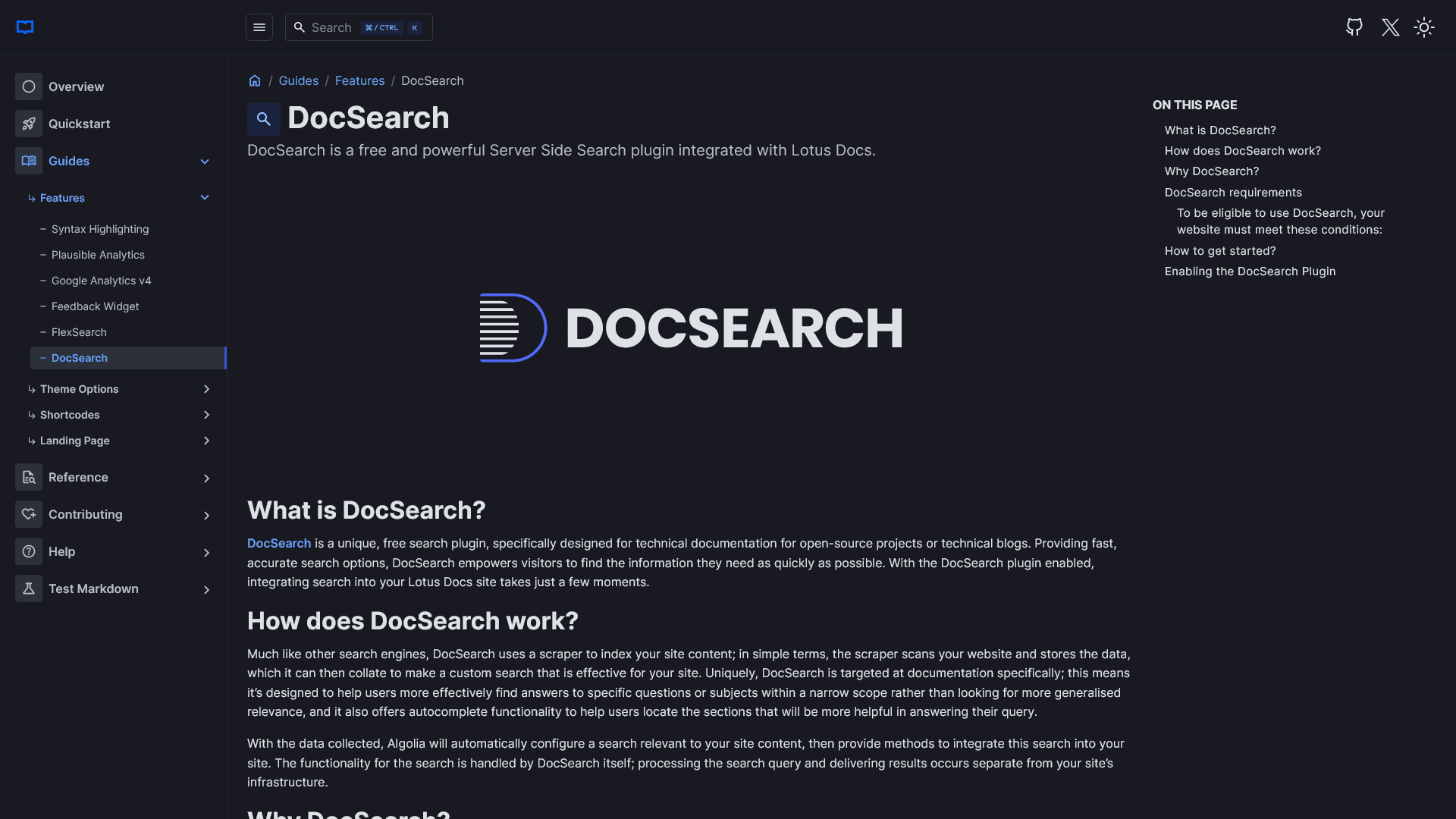
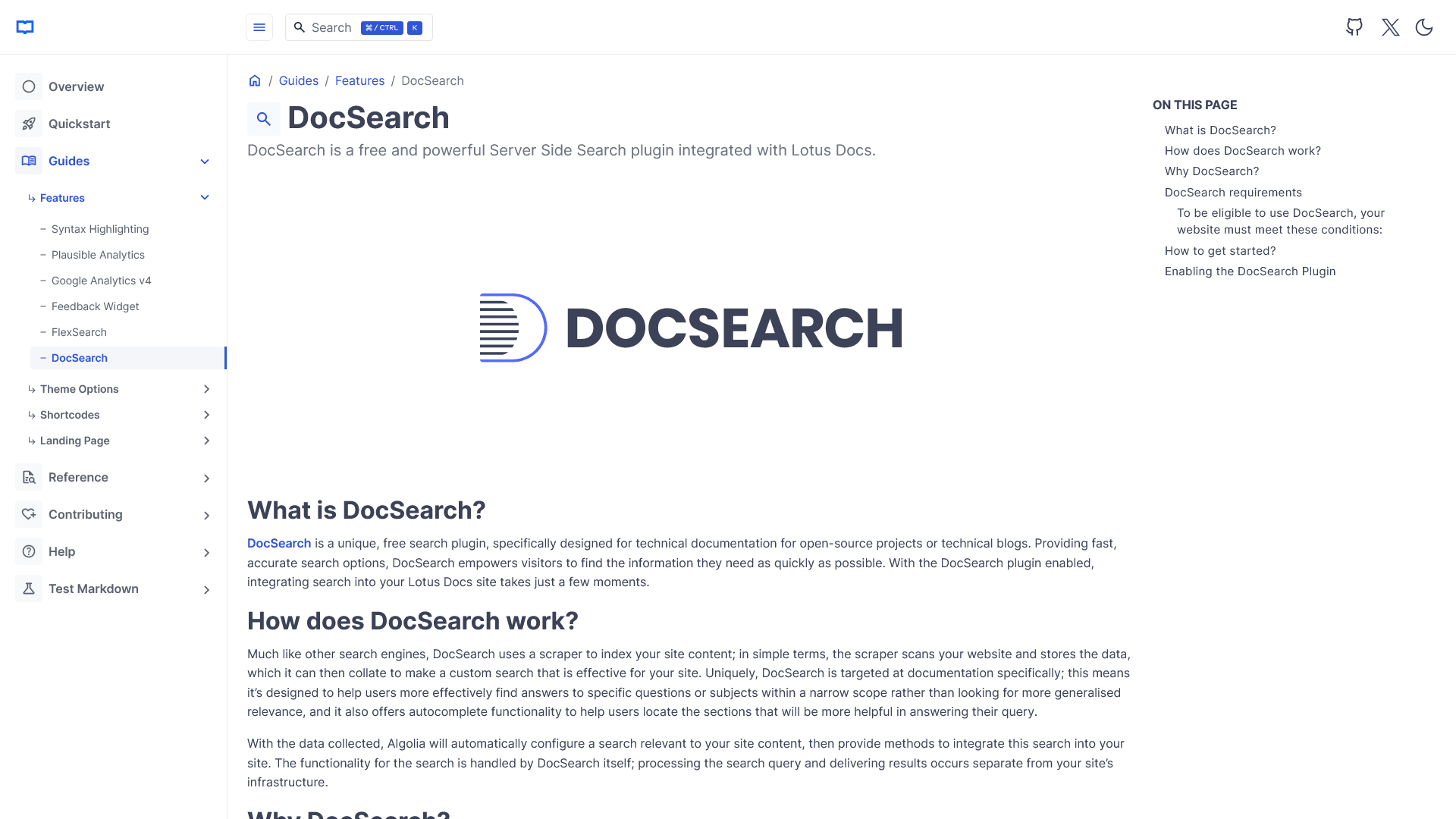
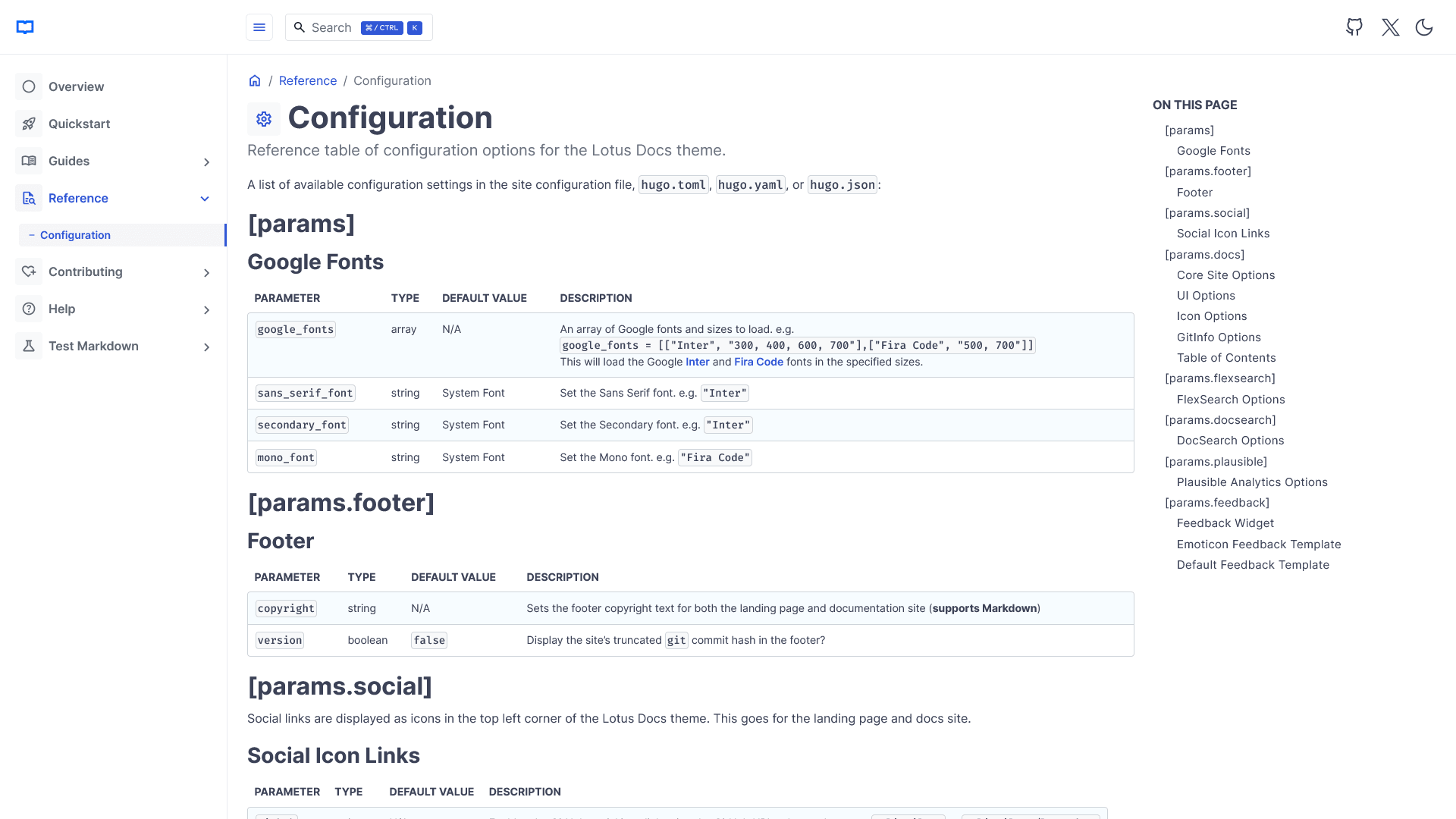
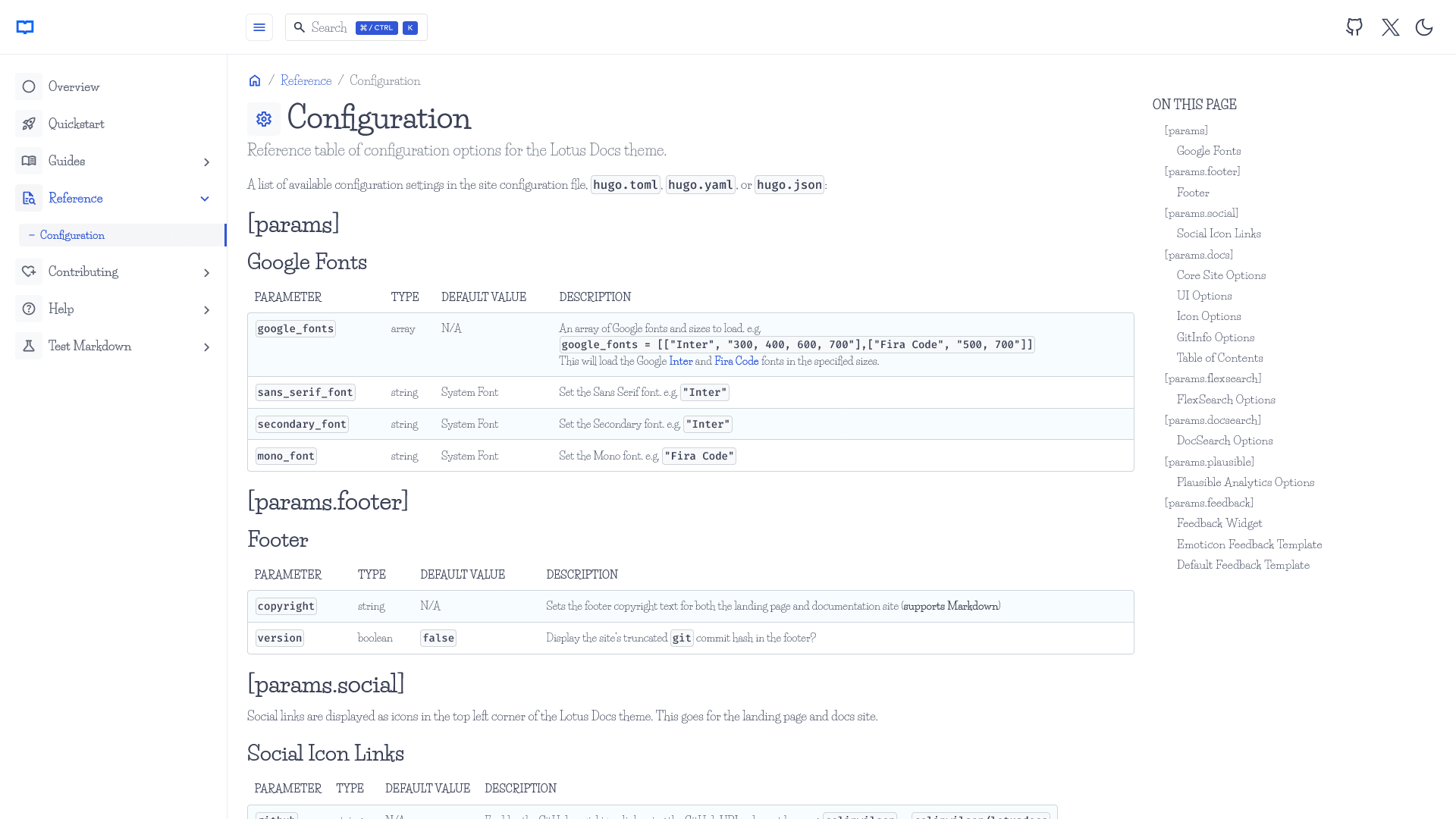
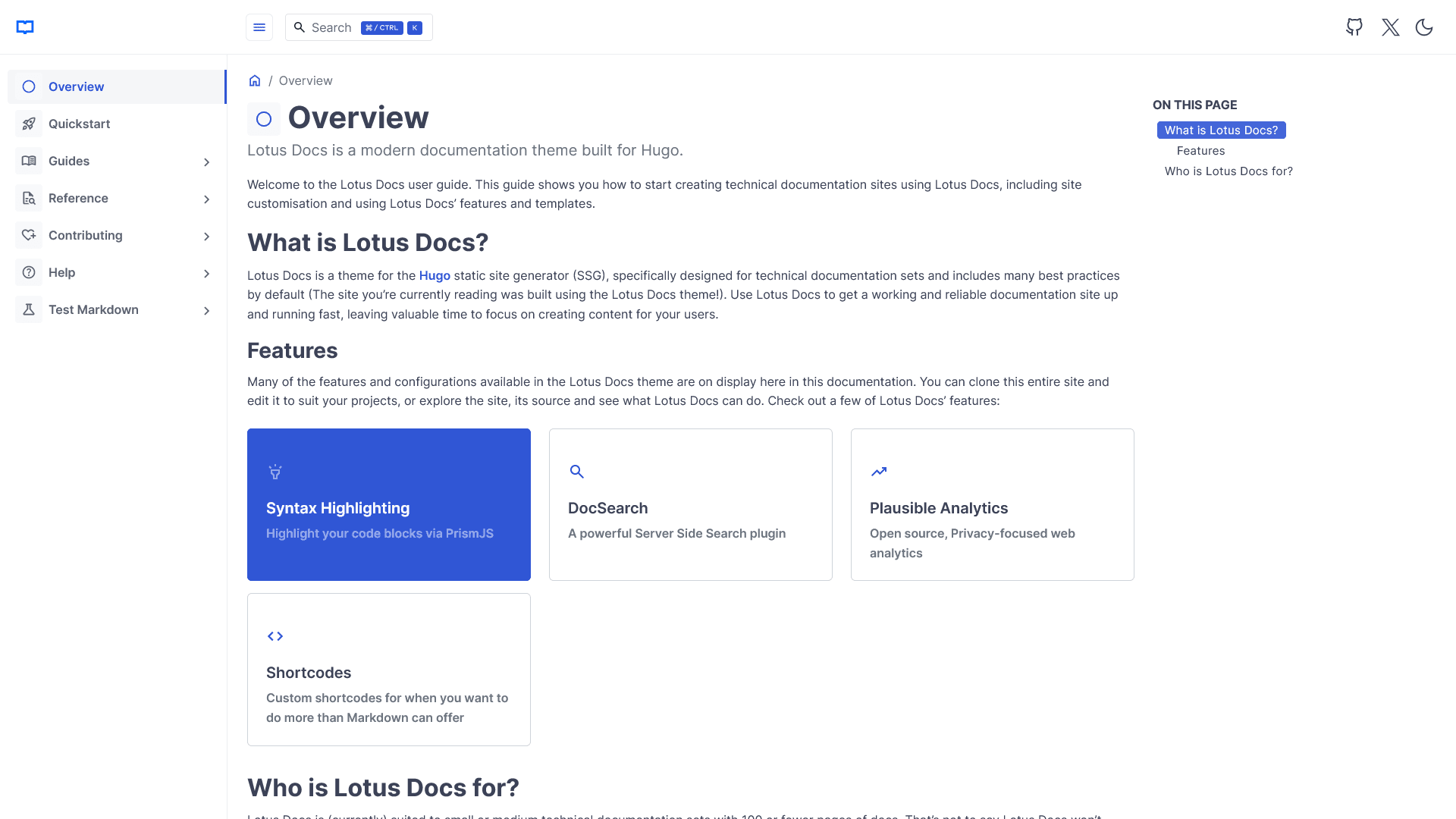
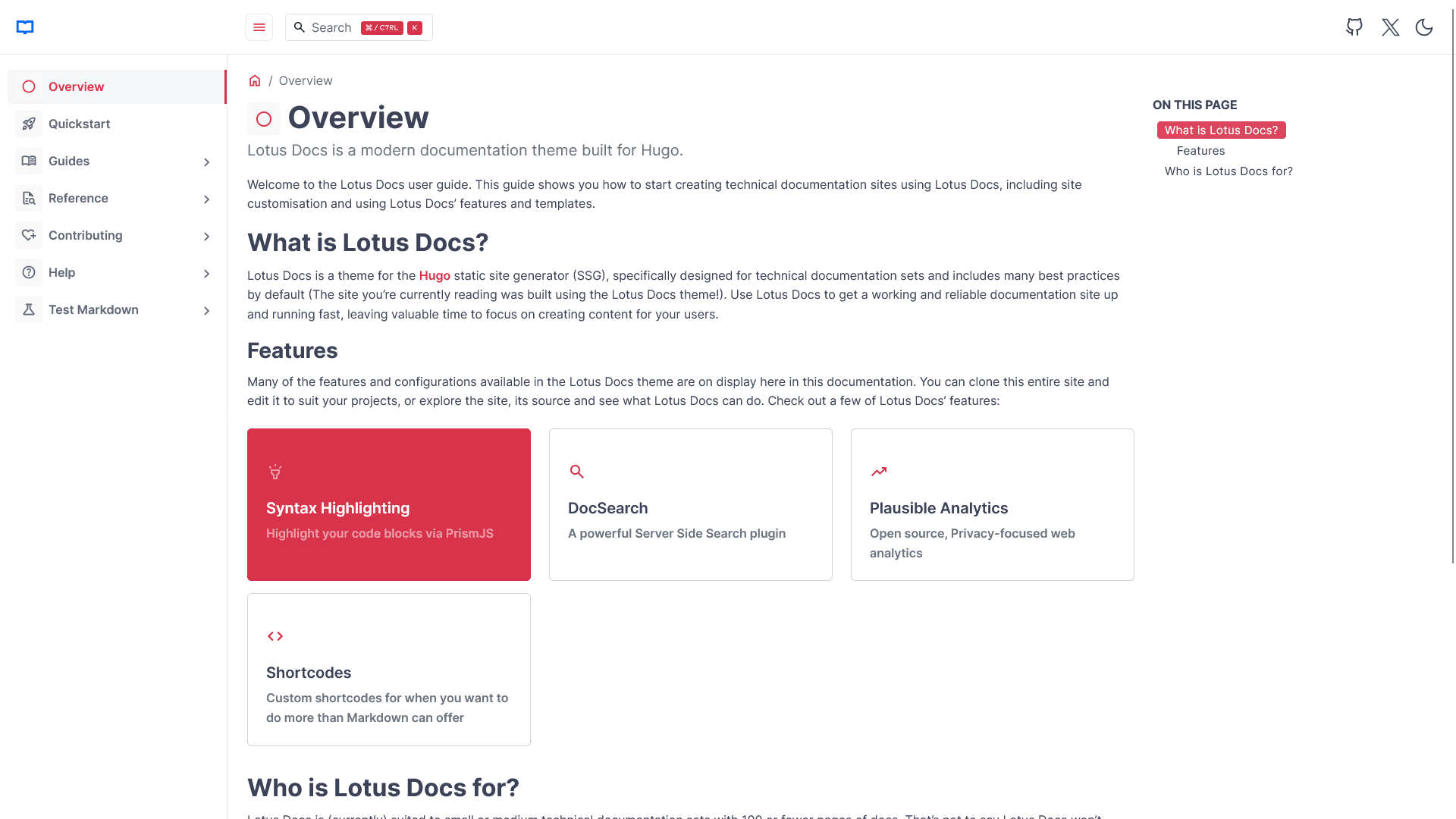
Customise The Lotus Docs Appearance
Much of Lotus Docs’ appearance can be customised. Dark mode is optional (enabled by default) and you can choose a Google font that suites you via the config parameters.